

Download U Dictionary APK – Free Offline Dictionary, Text Translation, Camera Translation, Voice Translation
Overview
U Dictionary is a comprehensive Android application designed to serve as a reliable language companion for users across the globe. The software provides fast, accurate, and offline-capable dictionary and translation services, making it ideal for students, travelers, professionals, and language learners. Its primary purpose is to eliminate language barriers by offering instant access to definitions, translations, and pronunciation across 108 languages. The app is especially useful in situations where internet connectivity is limited or unavailable, ensuring uninterrupted learning and communication.
Designed for both personal and professional use, U Dictionary supports real-world scenarios such as reading foreign content, translating messages on social media, preparing for exams, or conducting business in multilingual environments. The developer, U Dictionary, has built a tool that emphasizes accessibility and practicality, with features like offline language packages, quick translation, and voice-to-voice interaction. The app has gained recognition from Google Play as the "Best App" and "Best Self-Improvement App," reflecting its strong user engagement and utility.
With a release date of April 15, 2025, and a current version of 4.2.0, the application continues to evolve with user needs in mind. The developer did not provide additional system requirements beyond Android 6.0 and above. The app is available for free on the Google Play Store, with a download size of approximately 50MB.
Key Features & Capabilities
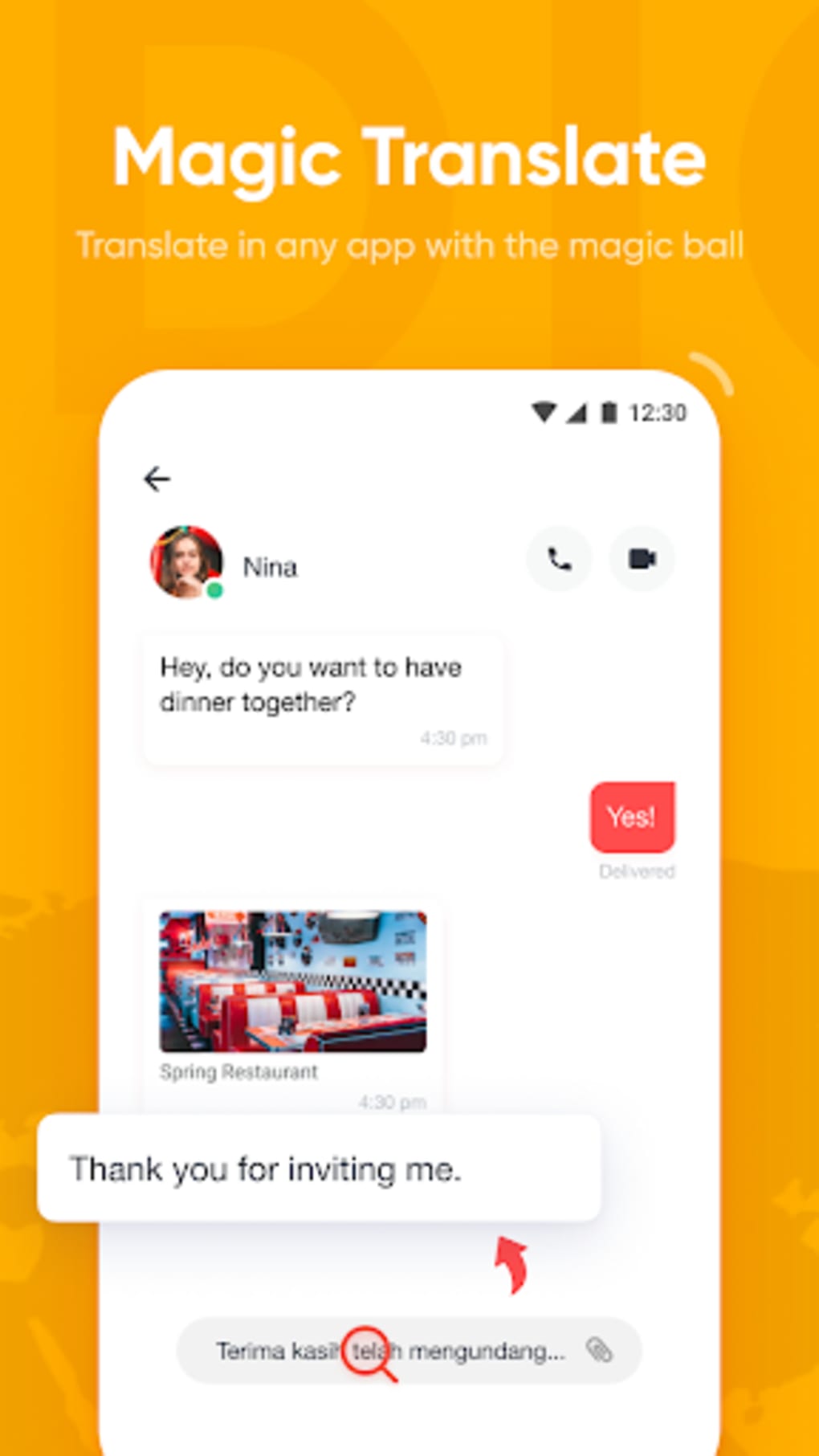
- Magic Translation: Enables real-time translation within popular social media apps like WhatsApp, Facebook, YouTube, and Instagram, allowing users to understand content in different languages without switching platforms.
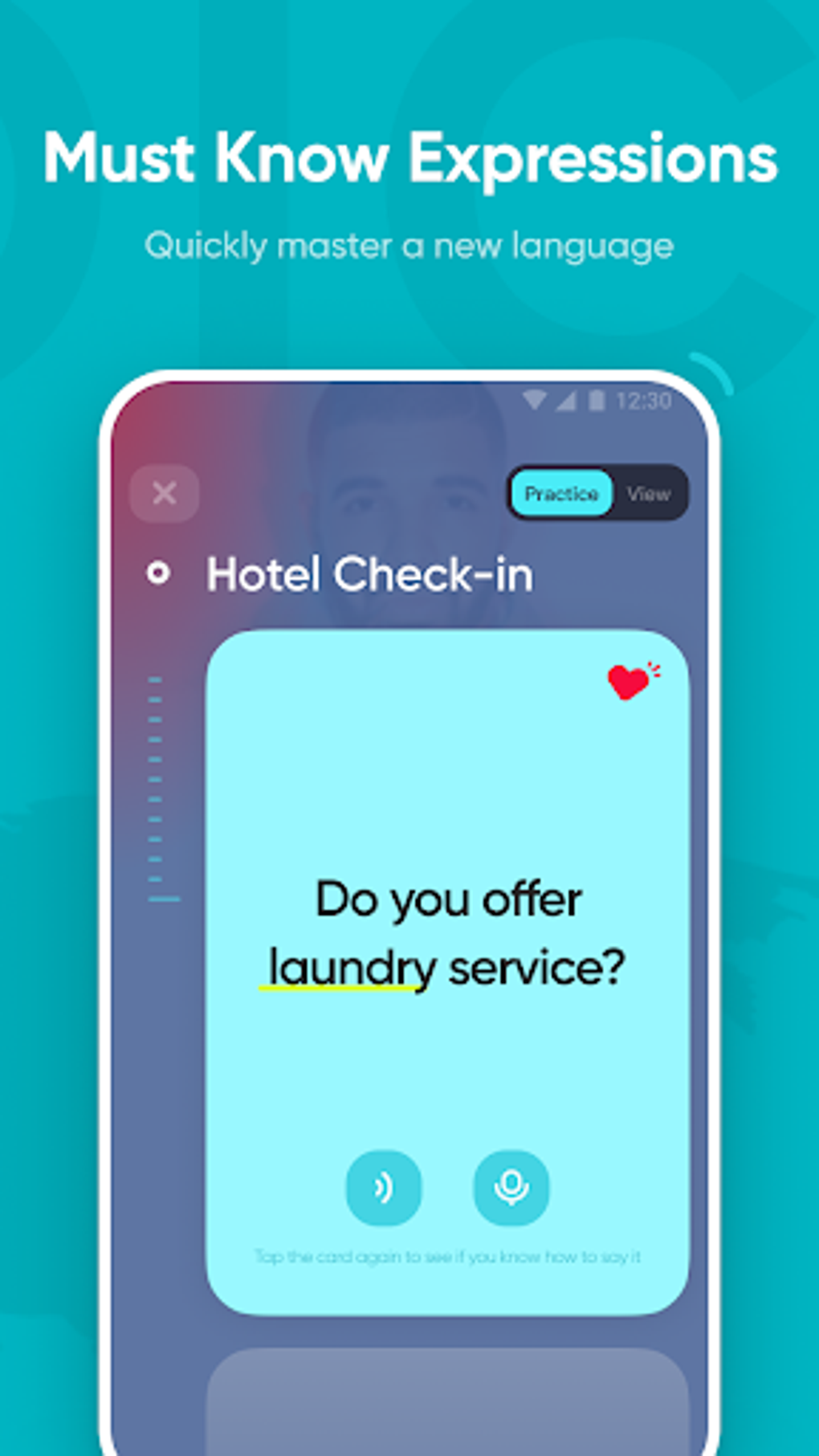
- Must Know Expressions: Offers audio-guided lessons and practical exercises across six daily life scenarios, helping users rapidly build vocabulary and confidence in spoken language.
- Text Translation: Supports translation between any two of 108 languages, making it suitable for academic research, business communication, and international travel.
- Camera Translation: Uses on-device image recognition to instantly translate text from signs, menus, books, or documents by simply pointing the camera, supporting up to 93 languages.
- Conversation Translation: Facilitates live voice-to-voice translation with support for 35 languages and 49 accents, ideal for face-to-face interactions in multilingual settings.
- Grammar Check: Analyzes English text for errors and suggests corrections, improving writing quality for students and professionals alike.
- Quick Translate: Allows instant translation without opening the app, streamlining the process for fast, on-the-go language conversion.
- Offline Dictionary and Translation: Offers downloadable packages for 58 languages, including advanced dictionaries like Collins Advanced and WordNet, enabling full functionality without internet access.
- My Words: Lets users save and organize important vocabulary into custom folders for regular review and long-term retention.
- Dark Mode and Pronunciation: Includes a dark theme for reduced eye strain and authentic UK and US English pronunciation for accurate language modeling.
These features collectively support a holistic learning experience, combining practical utility with educational value. The app also includes native example sentences, word games, and curated funny videos to make language acquisition engaging and enjoyable.
User Interface, Workflow & Performance
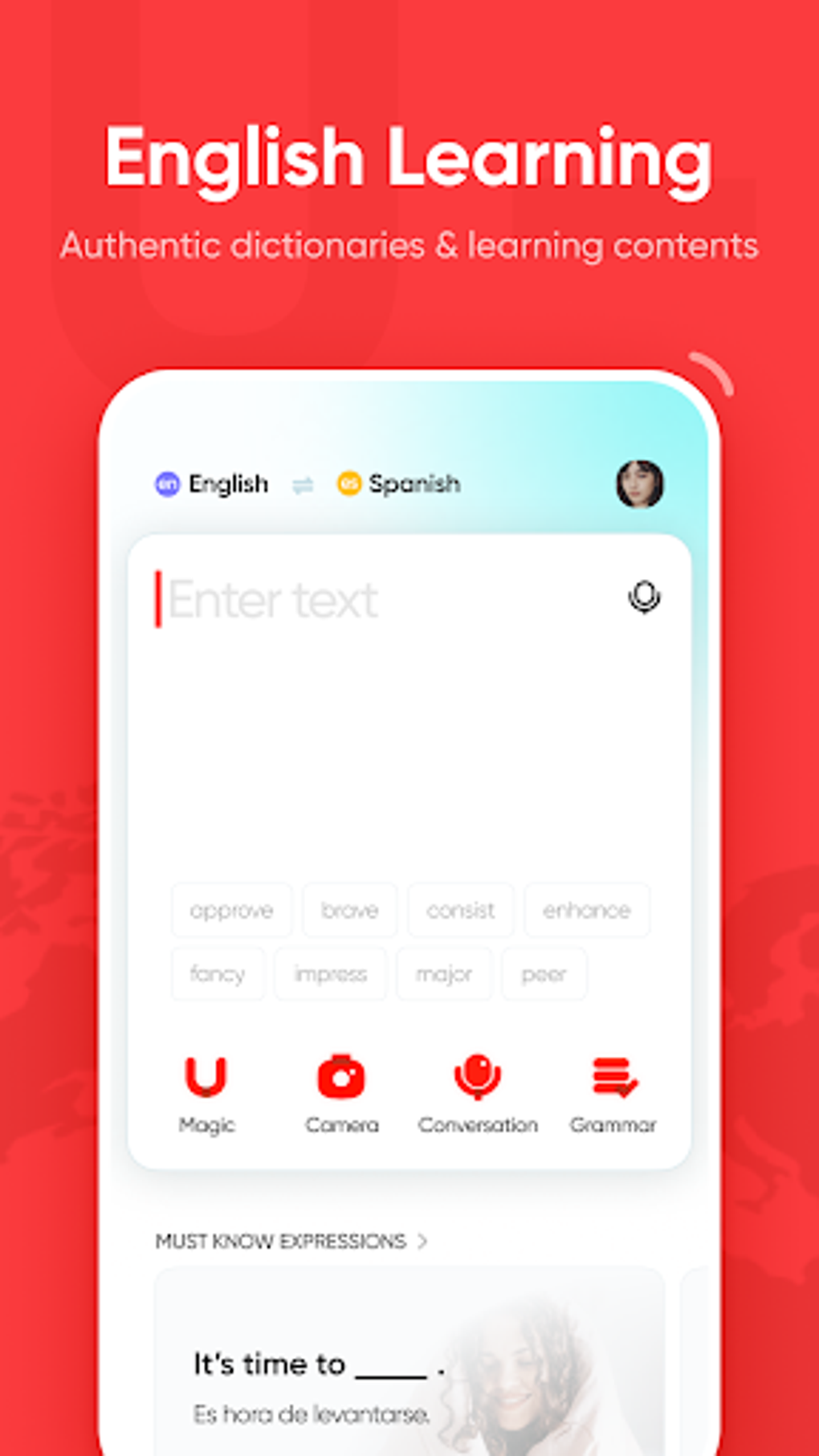
The user interface of U Dictionary is designed with clarity and efficiency in mind. The layout is intuitive, featuring a clean navigation structure with a drop-down language menu, quick access buttons, and a search bar prominently placed at the top. Users can easily switch between translation modes—text, voice, camera, and conversation—through a streamlined menu system.
Workflow efficiency is enhanced by features like Quick Translate and Copy to Translate, which allow users to translate content directly from other apps without leaving their current context. While the developer did not specify resource usage details, general software behavior suggests that performance remains stable during typical use, with minimal lag during translation tasks. The app maintains responsiveness even when handling multiple language packages.
Stability appears consistent based on the app’s widespread use and recognition. However, exact performance data, CPU/RAM behavior, and battery impact were not provided. The developer did not specify whether background processes are optimized for low power consumption. Overall, the app appears to function reliably in both online and offline modes.
Compatibility & System Requirements
U Dictionary is compatible with Android 6.0 and above, ensuring accessibility across a wide range of devices. The application is available as an APK file for direct download and installation, making it accessible even without the Google Play Store. The current version is 4.2.0, released on April 15, 2025.
The installation size is approximately 50MB, which is relatively lightweight for a multilingual application with extensive features. The developer did not provide additional hardware requirements such as minimum RAM, processor type, or storage space beyond the base installation size. Exact system requirements were not listed, and compatibility information was partially provided.
Users should note that certain features, such as Copy to Translate, may have limitations on Android 10.0 and later due to system-level access restrictions. This could affect functionality in some environments, though core translation and dictionary services remain unaffected.
Pros and Cons
Pros
- Free to download and use with no hidden costs
- Supports 108 languages with 58 offline language packages
- Offers multiple translation methods: text, voice, camera, and conversation
- Includes advanced learning tools like grammar check, word games, and native examples
- Intuitive UI with quick access to core features
- Available as an APK for flexible installation
- Recognized by Google Play as a top-tier self-improvement app
Cons
- Some features may not work on Android 10.0 and above due to access restrictions
- Performance under heavy usage or on low-end devices was not specified
- Offline functionality depends on downloading language packs separately
- Audio pronunciation requires internet access in some cases
- Developer did not provide detailed system requirements
FAQ Section
Is U Dictionary available for free?
Yes, U Dictionary is available for free on the Google Play Store and as an APK file for direct download.
Can I use U Dictionary offline?
Yes, the app supports offline translation for 58 languages, including access to advanced dictionaries like Collins Advanced and WordNet, once the language packages are downloaded.
Does U Dictionary require internet access for all features?
No, many core features such as offline translation, text lookup, and grammar check can be used without internet. However, features like pronunciation playback and real-time social media translation may require connectivity.
Is U Dictionary safe to download and install?
Yes, the app is available through official channels like Google Play and is recognized as a top-rated application. The developer, U Dictionary, has a strong user base, and the app is free from known malware.
How often does U Dictionary receive updates?
The latest version, 4.2.0, was released on April 15, 2025. While update frequency is not specified, the app is actively maintained and improved based on user feedback and evolving language needs.
Final Thoughts + CTA
U Dictionary stands out as a powerful, versatile, and user-friendly tool for anyone seeking to overcome language barriers. With its blend of offline functionality, multiple translation modes, and educational features, it caters to a broad audience—from students and travelers to professionals and language enthusiasts. The app’s recognition by Google Play as a top self-improvement application underscores its value and reliability.
While some features may face limitations on newer Android versions, the core functionality remains robust and accessible. Its free availability, lightweight size, and comprehensive language support make it an excellent choice for both casual and serious users.
Download U Dictionary now and unlock the world’s languages—anytime, anywhere.





.png)

